Plugin Purpose
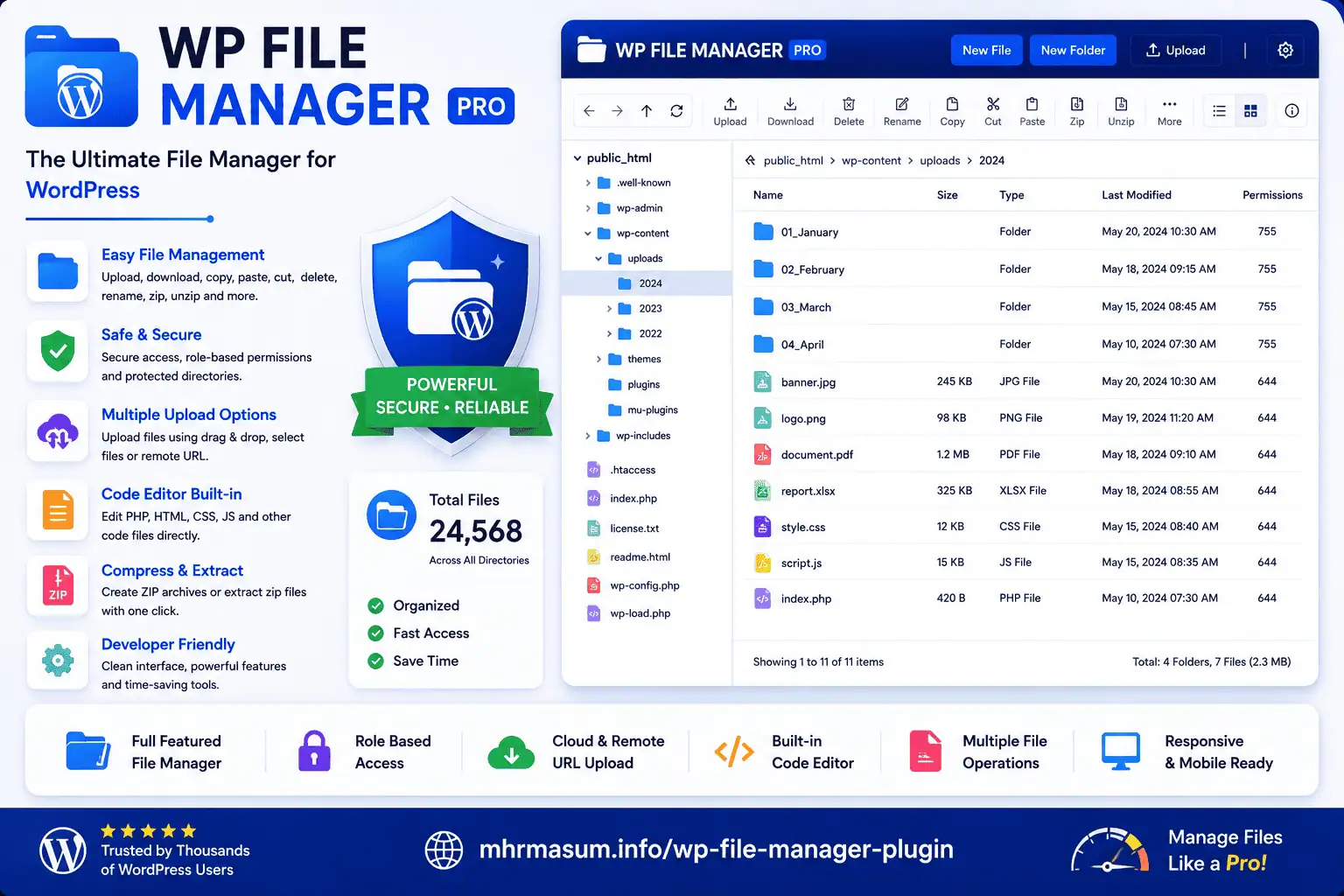
A WordPress file manager plugin for managing files from the admin dashboard with drag/drop uploads, previews, bulk actions, code editor, trash, permissions, and server information.
Development Features / Changelog
Initial Version
Features:
- File browser
- Folder navigation
- Upload files
- Create files/folders
- Rename files/folders
- Delete files/folders
- Download files
- Basic admin file manager UI
Two-Step Delete Version
Features:
- Move deleted files to plugin trash first
- Restore deleted files
- Permanently delete later
- Safer file deletion workflow
Drag & Drop Upload
Features:
- Drag and drop upload
- Multiple file upload
- Upload progress bar
- File size limit notice
Bulk Actions
Features:
- Bulk delete
- Bulk download as ZIP
- Bulk move
- Bulk copy
- Bulk permission change
Copy / Move System
Features:
- Copy file/folder to another path
- Move file/folder to another path
- Safer path validation
Advanced Code Editor
Features:
- Syntax highlighting
- Line numbers
- Search inside file
- Find and replace
- Dark mode
- Fullscreen editor
Preview System
Image preview:
- JPG
- PNG
- GIF
- WebP
- SVG
- Image dimensions
Document preview:
- PDF preview
- Text preview
- CSV preview
- JSON preview
- XML preview
- HTML preview
File Search
Features:
- Search by file name
- Search inside file content
- Filter by extension
- Filter by size
- Filter by modified date
Sort and Filter
Features:
- Sort by name
- Sort by type
- Sort by size
- Sort by modified date
- Filter images
- Filter PHP files
- Filter CSS files
- Filter JS files
- Filter ZIP files
- Filter media files
Server Info Dashboard
Features:
- PHP version
- WordPress version
- Server software
- Upload limit
- Memory limit
- Max execution time
- Disk usage if available
Disk Usage Analyzer
Features:
- Folder size scanner
- Largest folder detection
- Disk usage insights